%20(1).png?width=208&height=75&name=wagepoint-logo-2015-wide%20(2)%20(1).png "wagepoint-logo-2015-wide (2) (1)")

Step into what's next with Wagepoint 2.0
See what’s new in 2.0 and how to make the switch.
0:00 Welcome, everyone, and thanks for joining today's webinar. We're excited to talk all things Wagepoint 2.0 and migration with you.
We'll give it a couple of minutes for anyone jumping from another meeting to get on the call. While we wait — we'd love to know where you're all joining from. Drop it in the chat. We've got folks coming in from Edmonton, and it looks like we've got good coverage right across the country.
A few quick housekeeping items before we dive in. This webinar is being recorded, and you'll receive a copy of the recording as well as the slide deck by tomorrow via the email you registered with. We'll also be doing a live Q&A at the end, so if you have questions as we go, please use the Q&A button on your Zoom bar — it helps us keep track so we don't miss anything.
Alright, let's do quick introductions. We have three folks on the Wagepoint side today. We have our CEO Ben Richmond, who many of you may know from his 13 years running Canada and the US for Xero before joining Wagepoint. We also have Troy Lutz, a Payroll Advisor who has been with Wagepoint for nearly six years. And a special shout-out to Shelby, who is moderating the chat and who you may interact with there.
Here's how we'll spend the next hour together:
- Ben will walk through the Wagepoint 2.0 experience — new features, what's live now, and what's coming
- We'll cover how to prepare for migration and what to expect
- Troy will do a full migration walkthrough so there are no surprises when you're ready to make the switch
- Troy will also cover best practices for once you're set up in 2.0
- We'll wrap with a raffle — three team lunches up for grabs just for attending — and then live Q&A
If you have to leave early, no worries. The recording and slide deck will be in your inbox tomorrow. Now let's get into it.
5:00 Thanks everyone for being here. I know you all have busy businesses and practices, so I want to make this time count.
Let me start with the why behind 2.0. Wagepoint 1.0 is a great product — well over 12 years old, and it's scaled our business across Canada and served small businesses really well. But it was built on a traditional, aging codebase. The vision behind 2.0 was to take the best of 1.0 and rebuild it on a clean, modern codebase — one that could scale, that we could innovate on faster, and that could keep up with how businesses and payroll regulations continue to evolve.
In 1.0, simple changes often required raising a support ticket and waiting for us to action it. That creates friction when you're trying to get on with your day. In 2.0, we've put a lot more control in the hands of the user — more flexibility, more self-serve, fewer reasons to contact us for routine changes.
The other big piece is our vision for 2.0 as a unified platform. With 1.0, we had separate products — Track for time, Luna for vacation management. Our vision for 2.0 is one payroll system built for small business, with workforce tools like timesheets, leave management, scheduling, and clock in/clock out all sitting on one clean modern platform rather than spread across multiple tools.
We've been on this journey for a while. Last year we focused on getting the platform to scale — running thousands of customers so we could learn before moving into the migration motion we're in now. In payroll, running two platforms doesn't scale. Payroll changes every year, provincially and federally, and having your engineering and support capacity split across two systems makes it really hard to move fast and serve customers well. So we made the call to get everyone onto one platform.
Here are the key indicators we looked at before making that call:
NPS (Net Promoter Score): 2.0 runs consistently at 50+ NPS — more than 10 points higher than 1.0 — and has been doing so for a sustained period. That's a world-class score.
Scale: As of today, 45% of our total customer base is running on 2.0. We have well over 30,000 customers across Canada, so there is significant scale on this platform. You are not the guinea pigs.
Migration speed: For the thousands of customers who have already migrated, the average migration takes less than 30 minutes. We know that's still time out of a busy day, and we're working tirelessly to make it as seamless as possible.
15:00 What's new and what's coming in 2.0:
The feedback we hear most consistently from customers who have moved is that after a short adjustment period — folding your arms a little differently — they find 2.0 significantly easier to use. The reporting is better, the self-serve capability is better, and the support experience is smoother because you're not waiting on us for routine changes.
Here are some of the key features customers are loving:
Timesheets: Fully built into 2.0 — not a separate product. Employees can submit hours via the My Wagepoint mobile app, through the web portal, or via CSV import if you use another time tracking tool. We also have integrations with 7shifts and Deputy. Multiple ways to get time in, depending on what works for you.
My Wagepoint app: The employee mobile app is included as part of the core subscription at no extra cost. Employees can access pay stubs, update their profile, enter hours, and self-onboard — all from their phone.
Self-onboarding: Particularly valuable for businesses with lots of employees or seasonal hiring. You control how much information you want employees to fill in themselves.
Adjustment tool: Make pay period and year-to-date adjustments directly in the platform — no ticket required.
Effective dating: Schedule pay changes to apply automatically at a future date.
Autorun: You can now turn Autorun on and off yourself, directly in 2.0. In 1.0, you had to contact us for that.
Annual payroll calendar: A full-year view of all processing dates, pay dates, and banking holidays. We're seeing significantly fewer payroll cutoff errors from customers on 2.0 compared to 1.0.
Quebec: Quebec payroll in 2.0 went live this week — July 15th. It's a fully featured Quebec product, enhanced beyond what was in 1.0, fully in French, with French-language knowledge base and support included. Customers with Quebec employees or clients can begin migrating by end of this week or early next week.
Integrations: We've rebuilt and enhanced integrations with QuickBooks, Xero, FreshBooks, 7shifts, and Deputy — fixing challenges that existed in 1.0 and adding more depth. We've also built out a proper API so third-party apps can integrate. A marketplace of integrations is coming.
What's coming next:
- Paid time off / leave management: Targeting end of Q3, possibly slipping into early Q4. Will be a paid add-on, fully native to 2.0.
- AI-powered payroll insights: Launching to the full market August 15th. Has been running in the background on about 10% of clients for six months. Surfaces anomalies — unusual pay amounts, bank account changes, minimum wage flags — so you can catch errors before they become problems.
- Single sign-on: Google, Microsoft, and Intuit integrations are in final build. Xero SSO has already launched.
- Karbon integration: Karbon has selected Wagepoint as their preferred payroll for Canada. A deep integration is being built — payroll scheduling, timesheet notifications, and client communications all flowing through the Karbon dashboard for accounting firms.
We also have a full engineering pod in Q3 dedicated specifically to quality-of-life improvements based on customer feedback — things like report filtering, UI preferences, and other smaller but important fixes that matter day-to-day.
Pricing in Wagepoint 2.0:
Wagepoint 1.0 uses a per-pay-run pricing model — every payroll you run, you pay for. Wagepoint 2.0 moves to an all-inclusive monthly subscription. Two plans are available:
- Solo plan: $20/month base fee + $4 per employee or contractor. Best for businesses running one payroll per month.
- Unlimited plan: $40/month base fee + $6 per employee or contractor. Run as many payrolls as you need. The per-employee fee is charged once per month, not per pay run.
How 2.0 pricing compares to 1.0 by pay frequency:
| Pay frequency | 1.0 cost (10 employees) | 2.0 cost (10 employees) |
|---|---|---|
| Weekly | ~$200/month | ~$100/month |
| Biweekly / semi-monthly | ~$100/month | ~$100/month |
| Monthly | ~$50/month | ~$60/month |
Weekly and biweekly/semi-monthly customers will pay the same or less.
Monthly payroll customers will see a small increase — a few dollars depending on employee count. A pricing calculator is available on the Wagepoint website at at https://www.wagepoint.com/pricing/ — link included in the slide deck — where you can enter your exact employee count and pay frequency to get your specific monthly figure.
25:00 Preparation is really what makes migration smooth. Let's walk through what to have ready before you start.
For partners only — first step:
Before migrating any clients, you need to create your partner dashboard in 2.0. This is a one-time step — you won't repeat it per client. It takes only a couple of minutes. Head into your 1.0 partner portal, open the upgrade workflow, and confirm access to your 2.0 dashboard. That's it. Creating the partner dashboard does not move any client data — it simply unlocks your ability to start migrating clients. Your 1.0 dashboard stays accessible throughout the transition.
For all customers — pre-migration checklist:
1. Identify your key people.
You'll need your account owner (the person who oversees the account — for partners, this is someone from the client's business, not the partner firm), your authorized signatory (the person who can sign banking documents on behalf of the business), and any administrators. Have their full names and email addresses ready.
2. Prepare your FINTRAC data.
This information is entered during migration to satisfy regulatory verification requirements. You'll need: the 9-digit CRA business number, business type and incorporation type, industry and main business activity, names of directors and beneficial owners (for corporations, anyone owning 25% or more of the business), and the authorized signatory's date of birth and home address. For partners, most of this can be entered on your client's behalf — worth collecting ahead of time.
3. Let employees know.
Once you're in 2.0, you'll invite them to the new employee portal. They'll create new login credentials for 2.0 going forward.
4. Download your reports.
Download reports from your 1.0 account for record-keeping. You'll have view-only access to 1.0 after migration, but it's best practice to keep your own copies on hand.
5. Plan your migration date.
The best time to migrate is right after a payroll finalizes. The data migration itself takes about 10 minutes, but give yourself time afterward to get familiar with the new system before your next payroll run. Make sure both your account owner and authorized signatory are available at the time of migration.
6. Clean up your data.
Terminate any employees who shouldn't carry over. Make sure all employee information is complete and accurate. Cleaner data going in means a smoother migration and a smoother first payroll run in 2.0.
You'll also find a personalized migration checklist inside your 1.0 account that flags anything specific to your setup — so you won't have to guess.
ROEs and 1.0 data access:
A question we hear a lot is what happens to your data and your ROEs after migration. Here's the full picture:
- Your 1.0 and 2.0 data is securely stored by Wagepoint for 7 years
- You'll have view-only access to your 1.0 account — including the ability to create ROEs — until April 1, 2027
- After that date, your 1.0 data from 2026 will be available in CSV format directly in 2.0
- If you need anything beyond that, reach out to support and we'll get it to you
For ROEs, you have two options:
Option 1 — Proactive: Issue ROEs for all active employees right after your last payroll run in 1.0. Some partners and business owners prefer this approach for a clean break — Service Canada has all the per-period data up to the last cycle in 1.0, and going forward everything is in 2.0.
Option 2 — As needed: Wait until an employee has an interruption in earnings. At that point, issue a Part 1 ROE from 1.0 covering the periods processed there, and a second ROE from 2.0 covering periods after migration. Submit both to Service Canada. Both approaches are completely valid — it comes down to what works best for you.
40:00 You have two options when it comes to how you migrate:
Guided migration: Work one-on-one with a dedicated migration specialist who walks you through the entire process. A great option if you'd like more support and reassurance along the way. Reach out to the team to get connected with a specialist before your migration window closes.
Self-directed migration: Prefer to move at your own pace? Step-by-step instructions are available in the knowledge base. And if you get stuck at any point, support is always there to help.
Either way, you're not alone in this.
What the migration process actually looks like:
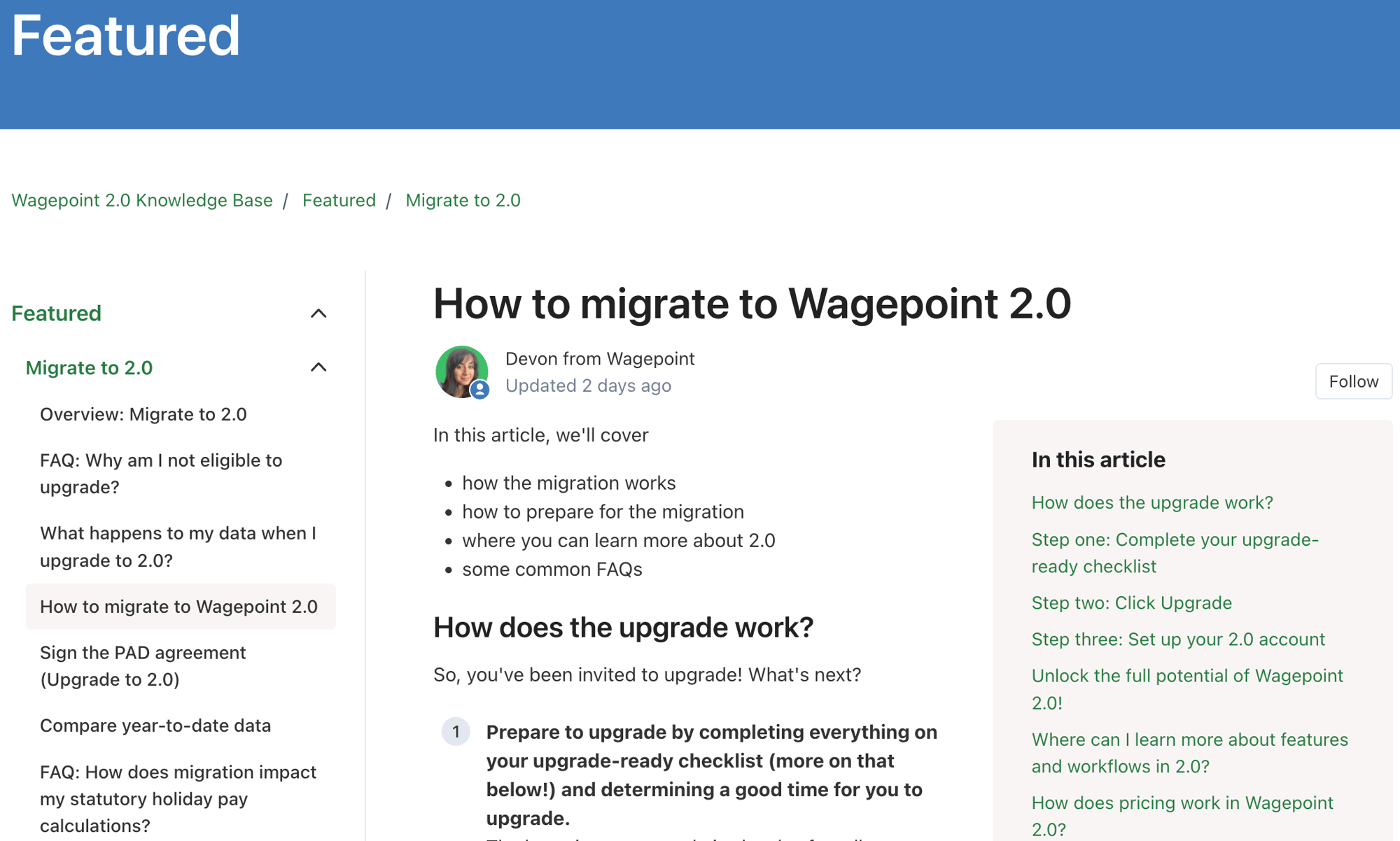
Step 1 — Complete your personalized migration checklist.
Find this in your 1.0 account under the Upgrade tab. Everyone will complete the first three items: assign an account owner, assign an authorized signatory, and review your administrators. Depending on your account setup, you may also see additional tasks — things like adding missing employee details (SIN numbers, dates of birth) or completing a payroll that's currently in progress. The checklist is designed to catch anything that could cause issues later, so once everything is checked off, you're in great shape to move forward.
Step 2 — Click Upgrade.
Once the checklist is complete, it's as simple as clicking the Upgrade button. That's what kicks off the data transfer into 2.0. Your company details, tax settings, active employee profiles, year-to-date totals, and pay groups all migrate automatically. The transfer itself takes approximately 10 minutes. Once it's complete, you'll receive an email confirmation directing you to log into your new 2.0 account.
Your 1.0 account remains accessible in view-only mode throughout.
Step 3 — First steps in 2.0.
Once your migration is complete:
Sign into your new 2.0 account and confirm your pay groups — double-check that the dates for your next payroll cycle look correct. Then, sign the PAD agreement, business attestation, and updated terms of service — your authorized signatory does this directly in their new 2.0 account. Once signed, payroll unlocks in 2.0
Enter FINTRAC details — business number, incorporation type, directors, and beneficial ownership. Partners can enter most of this on the client's behalf.
Review your administrator list — all active admins have been carried over, but take a moment to confirm permissions and add anyone new.
Set up custom codes — if you use custom codes, you'll need to re-enter year-to-date amounts. The good news is you can now add and manage custom codes directly in the platform yourself
Review your migrated data — compare the Annual Payroll Amounts report in 2.0 against the Payroll by Cycles report from 1.0 to confirm year-to-date totals match
Before your first payroll run — finishing touches:
Select your statutory holiday pay calculation method if you use it.
Reconnect any integrations (QuickBooks, Xero, etc.) — these need to be reconnected and remapped.
Invite employees and contractors to their new 2.0 employee portal.
Encourage your team to download the My Wagepoint app — easiest way to access pay stubs, tax forms, and enter hours.
If you use Autorun, run one manual payroll in 2.0 first, then you can turn Autorun on directly in the platform — no need to contact support
Getting up to speed on 2.0:
Small business owners and admins: Start with the free How to Use Wagepoint 2.0 for Small Businesses course in Wagepoint Academy. There's also a Beginner's Guide in the knowledge base for a lighter quick read. Both include video walkthroughs.
Partners: A dedicated 2.0 certification program is available inside the Partner Community. Bookmark the Partner Migration Hub as your go-to reference for the transition. Weekly training sessions and office hours with the Partner Services team are also available.
All of these resources are live now — no reason to wait.— no need to wait. Now I'll pass it onto Ben who's going to cover FINTRAC updates and what you need to know about them.
50:00 A few important things on timeline before we get into FINTRAC. October 31st is the final migration deadline. Every cohort will have moved by then. We've doubled our support team and built a dedicated migration support team to get everyone through. Our strong advice: don't wait until the last minute. The earlier you migrate, the more hands-on support we can give you. We anticipate a significant rush in the final weeks, which will make it harder for us to maintain the same level of individual support.
Now on to FINTRAC. This isn't the most exciting topic, but it's important.
FINTRAC is a Canadian regulatory requirement — not unique to Wagepoint. Every payroll company in Canada that moves money is required to verify customer identities and business ownership structures under anti-money laundering regulations.
Since December, we've been running all new customers through FINTRAC as required. Phase two requires us to re-verify all existing customers — every payroll company has to do this.
Phase two requires us to run all existing customers through the same process. Our commitment to the regulator is that all Wagepoint customers will be verified by October 31st. After that date, we will be unable to move money for anyone who hasn't completed verification.
We did extensive testing and heard loudly from customers and partners: don't make us do this separately from migration — do it at the same time. So we've built FINTRAC verification into the migration process. As you migrate, you'll go through the verification steps together. If you absolutely need to complete it after migration, you can — but we strongly recommend doing it all at once.
Timeline: All existing customers will need to complete FINTRAC erification by approximately end of October. After that point, we will be legally required to pause moving money for anyone who hasn't completed it. We've worked to make the process as frictionless as possible and will communicate every step of the way.
55:00 Congratulations to our three team lunch winners: Tia Gervais, Waldette Worthmann, and Rebecca Nielsen. We'll follow up by email to sort out your prizes.
Next, let's move into some Q&A.
How does pricing work for an employee who is rarely paid?
You're only charged the per-employee or contractor fee for anyone actually paid within your monthly billing cycle. If an employee receives $0 in a given month, there's no charge for them. And the per-employee fee is applied only once per month regardless of how many times that employee is paid — a change from 1.0's per-run model.
Do inactive or terminated employees carry over?
If an employee — active or terminated — has been paid at any point in 2026 and has a year-to-date balance, their profile will migrate. This ensures tax forms can be generated correctly at year end in 2.0.
Can the account owner or administrators be changed after migration?
Yes — once you're in 2.0, you can change the account owner and add or remove administrators directly in the platform without needing to contact support.
Can a partner upload FINTRAC information on behalf of a client?
For SMB clients attached to a partner, the partner can upload the client's ID on their behalf. Some items — like the PAD agreement — still require the client's own signature unless the partner has signing authority. Full details will be confirmed in the follow-up email.
Is there a cutoff date to migrate?
Every cohort has its own cutoff date, based on when the functionality you use in 1.0 became fully available in 2.0. Most cohorts have a two-to-three month window from when migration is enabled. Quebec customers, for example, have a longer window since their functionality only just went live. The drop-dead date for all cohorts is October 31st. You'll have received — or will receive — email and in-app reminders with your specific date.
After April 1, 2027, can employees still access their pay stubs from 1.0?
Both employees and employers will have view-only access to 1.0 until April 1, 2027. After that date, access to 1.0 ceases entirely. However, all key data and reports will be transferred into 2.0 in CSV format before that date, so employees will be able to access historical records through their 2.0 employee portal going forward.
Thanks so much to everyone who joined today. The recording and slide deck will be in your inbox by tomorrow. If we didn't get to your question live, someone from the team will follow up with you directly. We look forward to seeing you in Wagepoint 2.0 very soon. Bye.
Get started